Apple Pay Guide: How to Send Money with Linked Debit or Credit Cards

Riley Roland
BloggerApple Pay is a digital wallet that allows you to make payments using your iPhone, Apple Watch, or other Apple devices. It’s designed for convenience, speed, and security.
What is Apple Pay?
Apple Pay lets you store your debit or credit cards digitally and use them for:
In‑store contactless payments
Online purchases
Sending and receiving money (in supported regions)
Instead of using physical cards, you can simply authenticate and complete payments securely.
Adding a Card to Apple Pay
To get started:
Open the Wallet app on your iPhone
Tap the “+” icon
Follow the instructions to add your card
Complete verification with your bank if required
Once added, your card is ready for use.
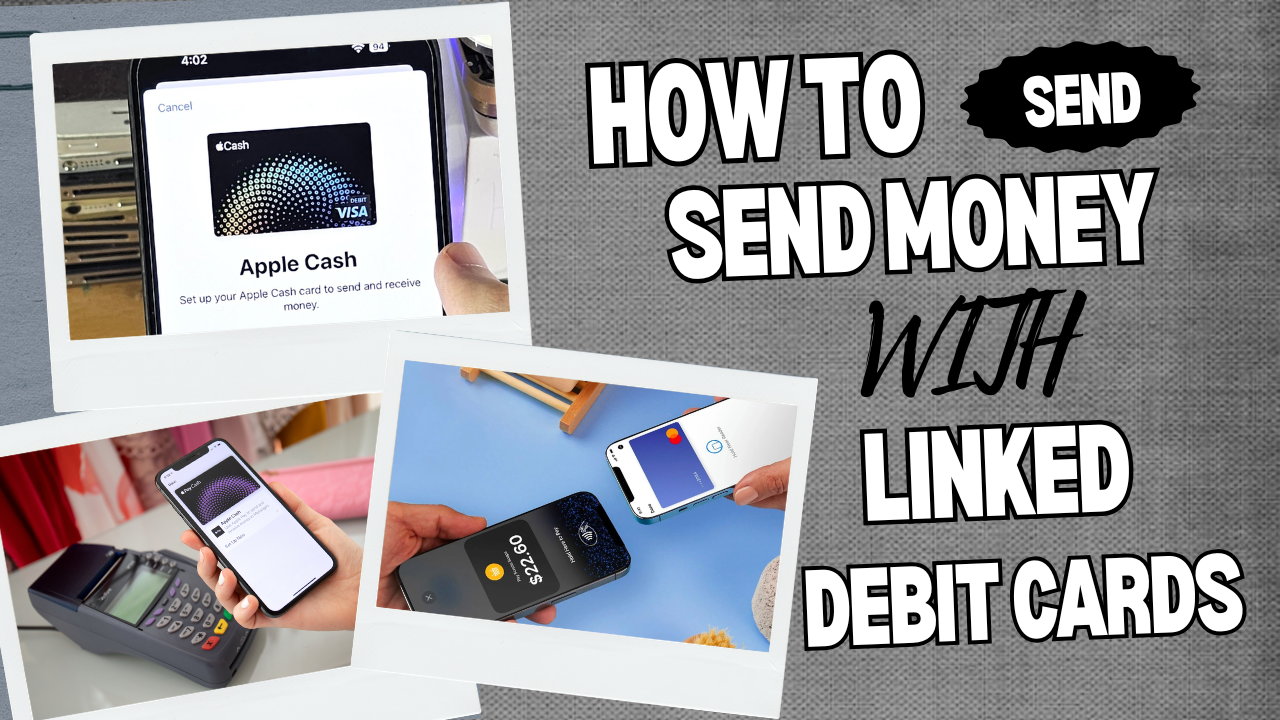
Sending Money Using Apple Pay
In supported regions, you can send money through Messages:
Open a conversation in Messages
Tap the Apple Pay option
Enter the amount
Confirm using Face ID, Touch ID, or passcode
Funds are transferred securely through Apple’s system.
Security and Best Practices
🔒 Use Face ID, Touch ID, or a strong passcode
📱 Keep your device updated
⚠️ Only add cards that belong to you
🌐 Avoid using shared or unsecured devices
Important Notice
This guide is for informational purposes only. Always follow Apple’s official policies and your bank’s guidelines when using Apple Pay.
📘 Educational Disclaimer
This blog content is provided strictly for educational purposes. It is intended to inform and guide readers, not to promote or encourage misuse of banking or financial systems.